




Devices
50 included
(+$2 per extra, up to 1,000)
From 1 to thousands
(custom fee)
From 1 to thousands
(custom fee)
Dots (in/out)
10M / month
6 months retention
$5 per million in
$0.1 per million out (API)
$0.05 per million out (synthetic vars)
Custom capacity
24 months retention
Custom capacity
24 months retention
Throughput
6 dots/s
(up to 3x burst every hour)
20 dots/s
(up to 3x burst every hour)
100 dots/s
(dedicated cloud for >100 dots/s)
Events
1,000 executions incl.
($10 per million extra)
Custom
Custom
UbiFunctions

1,000 executions incl.
($5 per million extra)
Custom
Custom
Email / SMS Alerts
End Users
Up to 5
From 1 to thousands (custom fee)
From 1 to thousands (custom fee)
Organizations
Up to 5
Custom
Custom
Admin Users
1
10
10+
Support
Community
Standard
24h response + Technical Account Manager
Key Extras
Dashboards, basic alerts, user mgmt
Custom branded app, multiple apps, advanced plugins
Private deployment, SSO, SLAs, full customization

Manage devices, variables and historical data


Device organization & fleet management
Custom API rate limits

Dynamic dashboards
Dashboard layers
Essential widgets & plugins
Advanced widgets & plugins
React.js in the HTML Canvas widget
Preset dashboard filters
Dashboard pages
Device layers
ECharts configuration
Multiple devices dashboards
Widget Plugin

Synthetic variables & data transformations
AI-accelerated UbiFunctions
Scheduled reports & report management
Anomaly Detector
File storage API
Global properties
Test environment
Machine Learning runtimes
Data pipelines

Manage organizations & end users
Tags for users
Manage device groups & reports as an end user
Contact methods for end users
Custom-branded apps
Remove "Powered by Ubidots" badge
Advanced UI customization
Text rules
Admin users
White-labeled mobile app
Delegated user & organization management
White-labeled API

Event logic & alert automation
Events with dynamic thresholds
Global events

2FA
Two-Factor Authentication for admin and end users
Advanced security & access control
Audit logs
Compliance certifications or audits

Email & in-app support
Corporate billing & payment methods
Enterprise support & service levels
Professional services

Google Tag Manager
OAuth 2.0

Detect wear signs and potential faults in rotating equipment using vibration sensors at high-sampling frequencies.
All Plans

Enhance your brand presence with custom logo, domain, and colors.
All Plans
Devices
50 included
(+$2 per extra, up to 1,000)
Dots (in/out)
10M / month
6 months retention
$5 per million in
$0.1 per million out (API)
$0.05 per million out (synthetic vars)
Throughput
6 dots/s
(up to 3x burst every hour)
Events
1,000 executions incl.
($10 per million extra)
UbiFunctions
1,000 executions incl.
($5 per million extra)
Email / SMS Alerts
100 email alerts incl.
($2 per 1,000 extra)
10 SMS/Voice alerts (country-
based pricing)
End Users
Up to 5
Organizations
Up to 5
Admin Users
1
Support
Community
Key Extras
Dashboards, basic alerts, user mgmt
Devices
From 1 to thousands
(custom fee)
Dots (in/out)
Custom capacity
24 months retention
Throughput
20 dots/s
(up to 3x burst every hour)
Events
Custom
UbiFunctions
Custom
Email / SMS Alerts
Custom
End Users
From 1 to thousands (custom fee)
Organizations
Custom
Admin Users
10
Support
Standard
Key Extras
Custom branded app, multiple apps, advanced plugins
Devices
From 1 to thousands
(custom fee)
Dots (in/out)
Custom capacity
24 months retention
Throughput
100 dots/s
(dedicated cloud for >100 dots/s)
Events
Custom
UbiFunctions
Custom
Email / SMS Alerts
Custom
End Users
From 1 to thousands (custom fee)
Organizations
Custom
Admin Users
10+
Support
24h response + Technical Account Manager
Key Extras
Private deployment, SSO, SLAs, full customization
Manage devices, variables and historical data
Device organization & fleet management
Custom API rate limits
Dynamic dashboards
Essential widgets & plugins
Advanced widgets & plugins
Dashboard layers
Multiple devices dashboards
React.js in the HTML Canvas widget
Preset dashboard filters
Dashboard pages
Device layers
ECharts configuration
Widget Plugin
Synthetic variables & data transformations
AI-accelerated UbiFunctions
Scheduled reports & report management
Anomaly Detector
File storage API
Data pipelines
Global properties
Test environment
Machine Learning runtimes
Delegated user & organization management
Contact methods for end users
Advanced UI customization
Admin users
Manage organizations & end users
Tags for users
Manage device groups & reports as an end user
Custom-branded apps
Remove "Powered by Ubidots" badge
Text rules
White-labeled mobile app
White-labeled API
Event logic & alert automation
Events with dynamic thresholds
Global events
Two-Factor Authentication for admin and end users
Advanced security & access control
Audit logs
Compliance certifications or audits
2FA
Email & in-app support
Enterprise support & service levels
Corporate billing & payment methods
Professional services
Google Tag Manager
OAuth 2.0
Manage devices, variables and historical data
Device organization & fleet management
Custom API rate limits
Dynamic dashboards
Essential widgets & plugins
Advanced widgets & plugins
Dashboard layers
Multiple devices dashboards
React.js in the HTML Canvas widget
Preset dashboard filters
Dashboard pages
Device layers
ECharts configuration
Widget Plugin
Synthetic variables & data transformations
AI-accelerated UbiFunctions
Scheduled reports & report management
Anomaly Detector
File storage API
Data pipelines
Global properties
Test environment
Machine Learning runtimes
Delegated user & organization management
Contact methods for end users
Advanced UI customization
Admin users
Manage organizations & end users
Tags for users
Manage device groups & reports as an end user
Custom-branded apps
Remove "Powered by Ubidots" badge
Text rules
White-labeled mobile app
White-labeled API
Event logic & alert automation
Events with dynamic thresholds
Global events
Two-Factor Authentication for admin and end users
Advanced security & access control
Audit logs
Compliance certifications or audits
2FA
Email & in-app support
Enterprise support & service levels
Corporate billing & payment methods
Professional services
Google Tag Manager
OAuth 2.0
Manage devices, variables and historical data

Device organization & fleet management
Custom API rate limits
Dynamic dashboards
Essential widgets & plugins
Advanced widgets & plugins
Dashboard layers
Multiple devices dashboards
React.js in the HTML Canvas widget
Synthetic variables & data transformations
AI-accelerated UbiFunctions
Scheduled reports & report management
Anomaly Detector
File storage API
Data pipelines
Delegated user & organization management
Contact methods for end users
Advanced UI customization
Admin users
Event logic & alert automation
Events with dynamic thresholds
Global events
Two-Factor Authentication for admin and end users
Advanced security & access control
Audit logs
Compliance certifications or audits
Email & in-app support
Enterprise support & service levels
Corporate billing & payment methods
Professional services
Google Tag Manager
OAuth 2.0
Preset dashboard filters
Dashboard pages
Device layers
ECharts configuration
Widget Plugin
Global properties
Test environment
Machine Learning runtimes
Manage organizations & end users
Tags for users
Manage device groups & reports as an end user
Custom-branded apps
Remove "Powered by Ubidots" badge
Text rules
White-labeled mobile app
White-labeled API
2FA
Detect wear signs and potential faults in rotating equipment using vibration sensors at high-sampling frequencies.
All Plans
Enhance your brand presence with custom logo, domain, and colors.
All Plans



Trusted by Teams
From System Integrators to Fortune 500s, Ubidots empowers
the engineers within to go from zero to hero in no time.









Why Ubidots
Building an IoT application that both works and looks nice can take thousands of engineering hours, so we did it for you.
Data ingestion


Time-Series storage

Alerts / Rules Engine


Alerts Delivery


Dashboards & Reporting

Cloud functions




Features
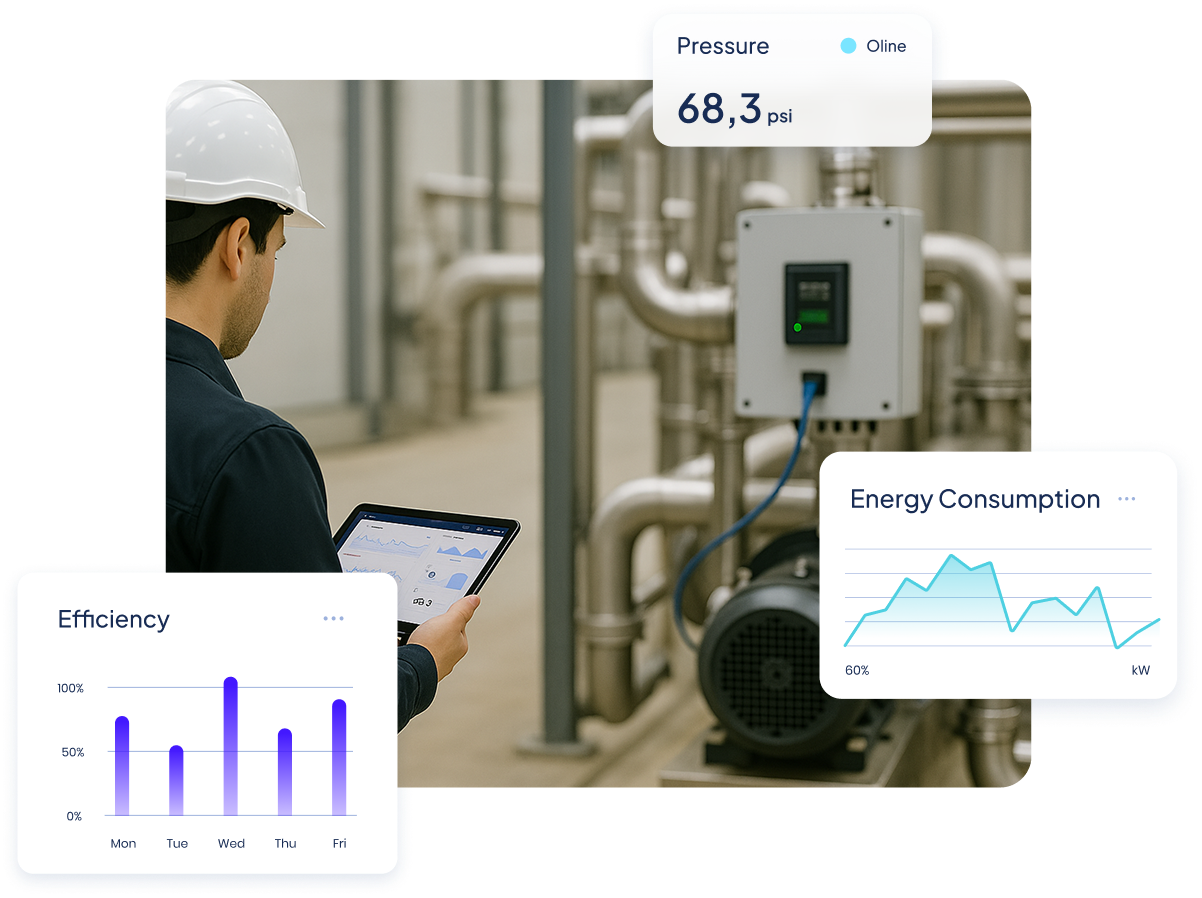
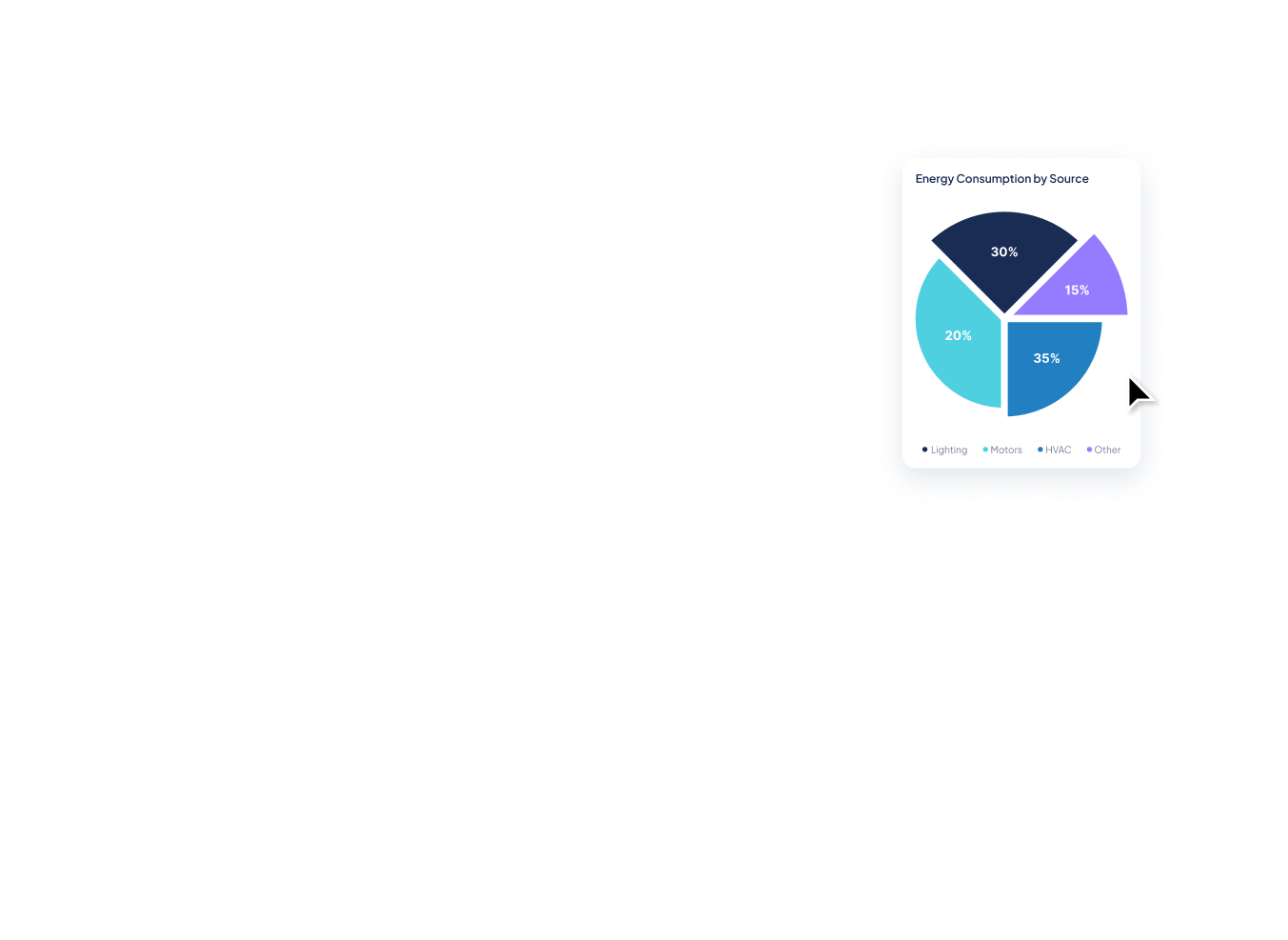
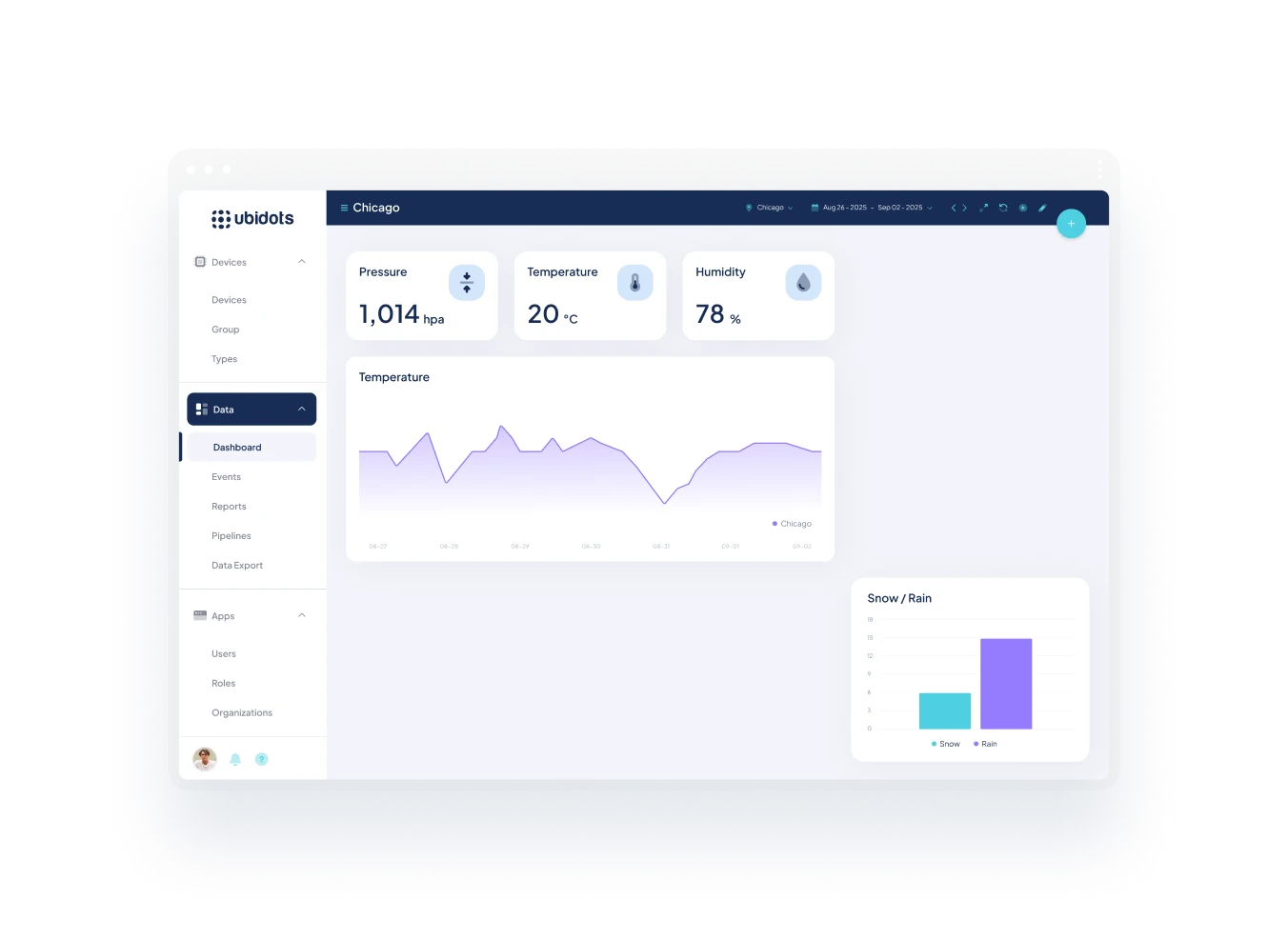
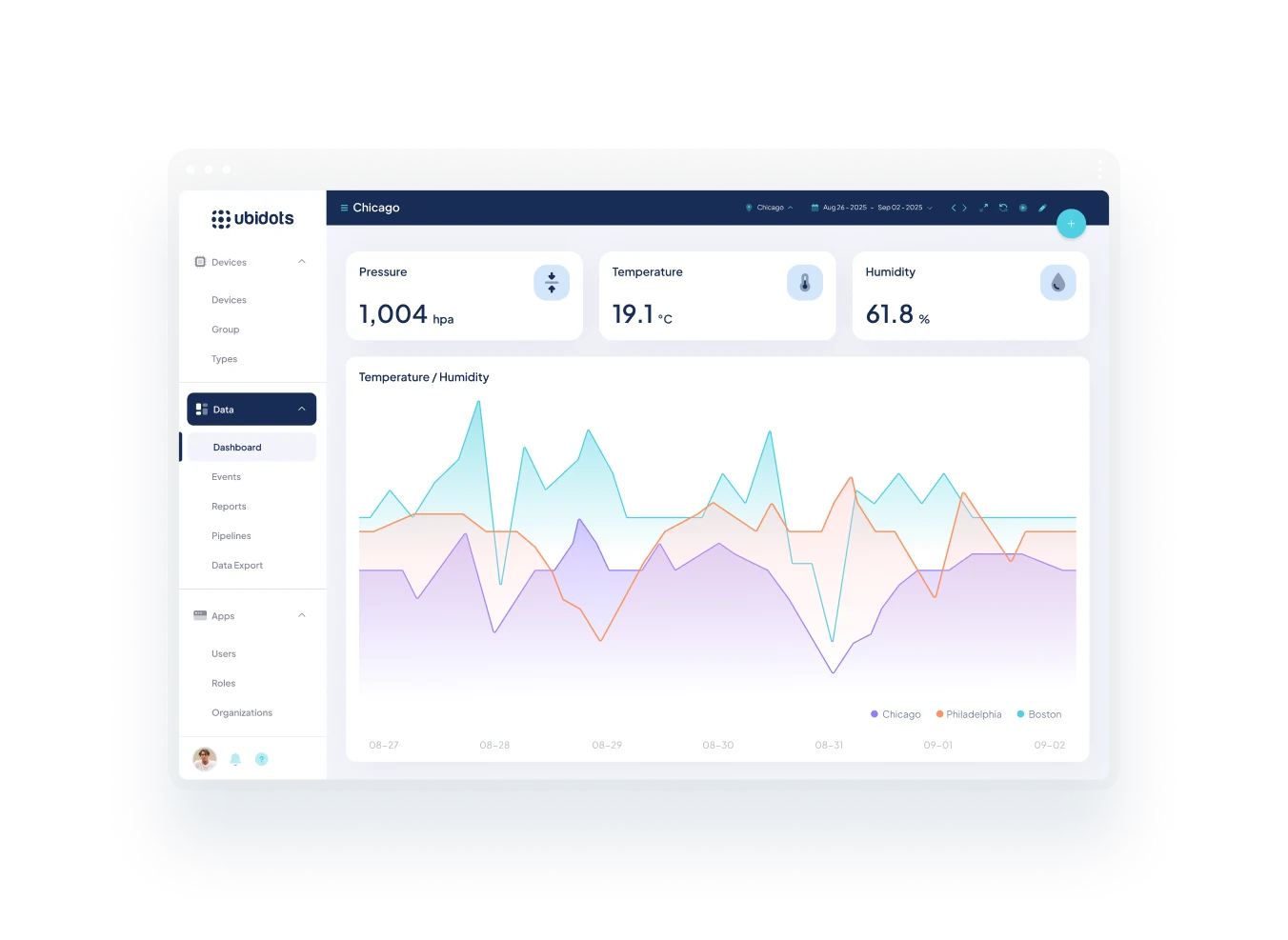
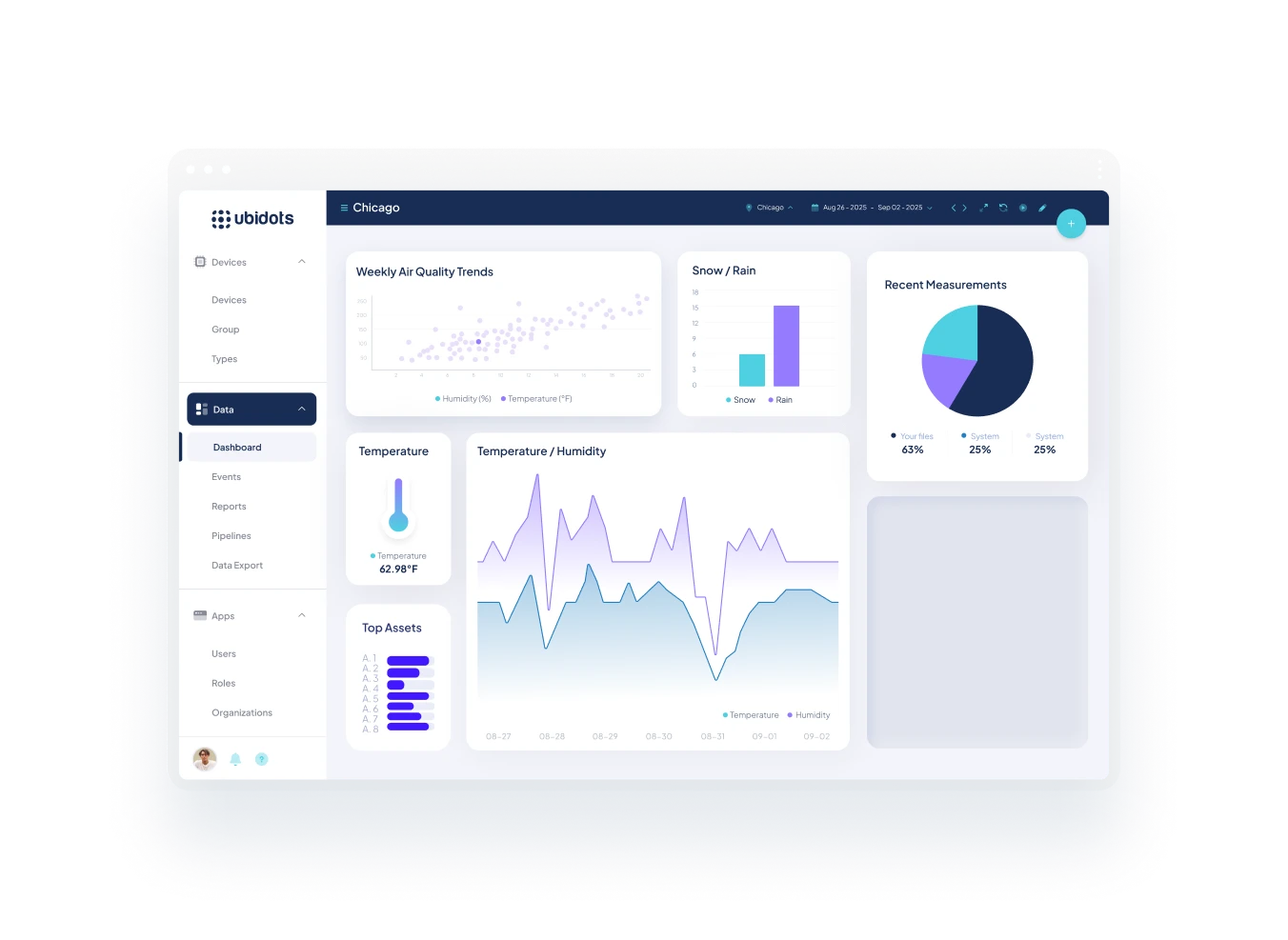
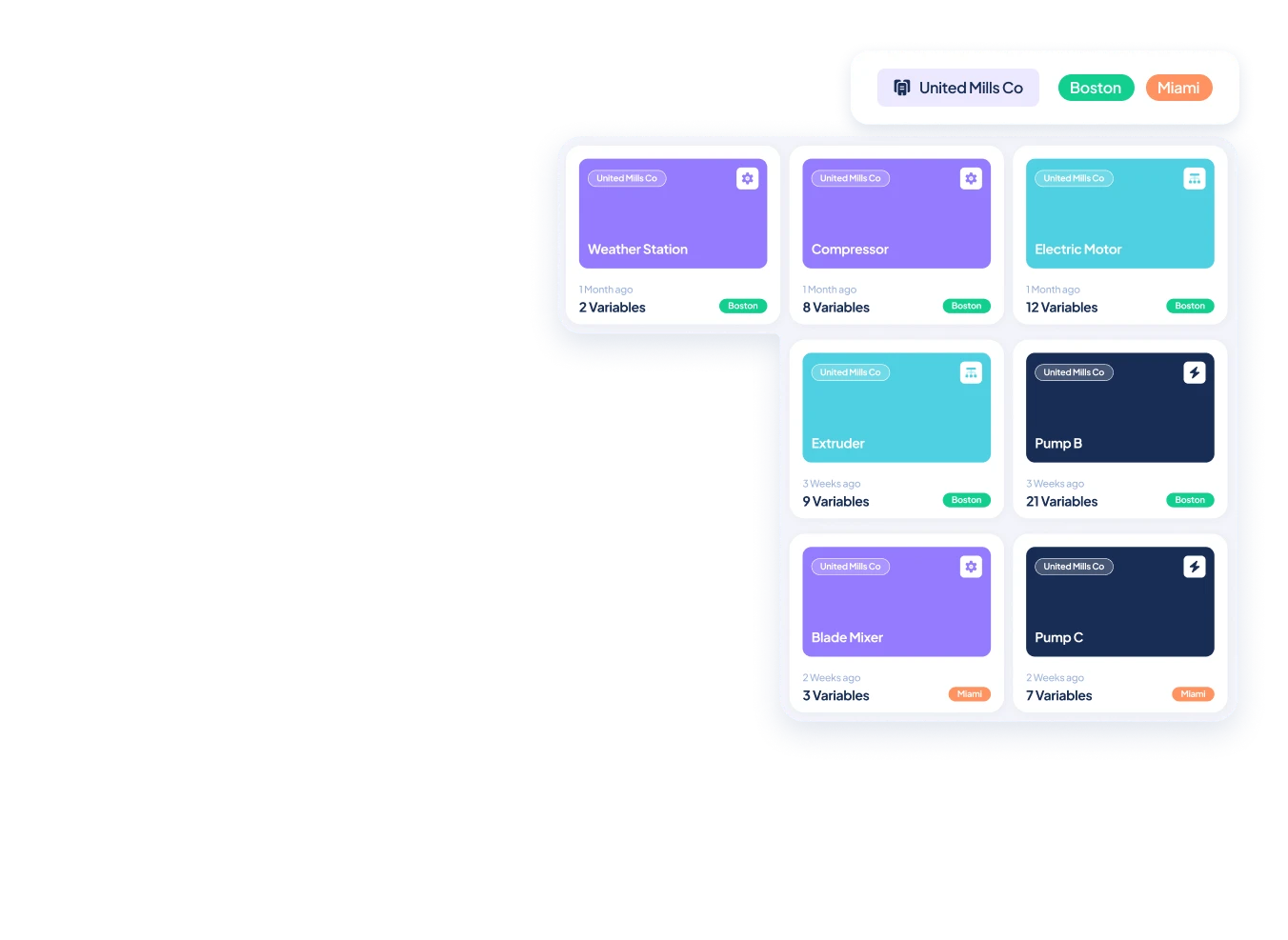
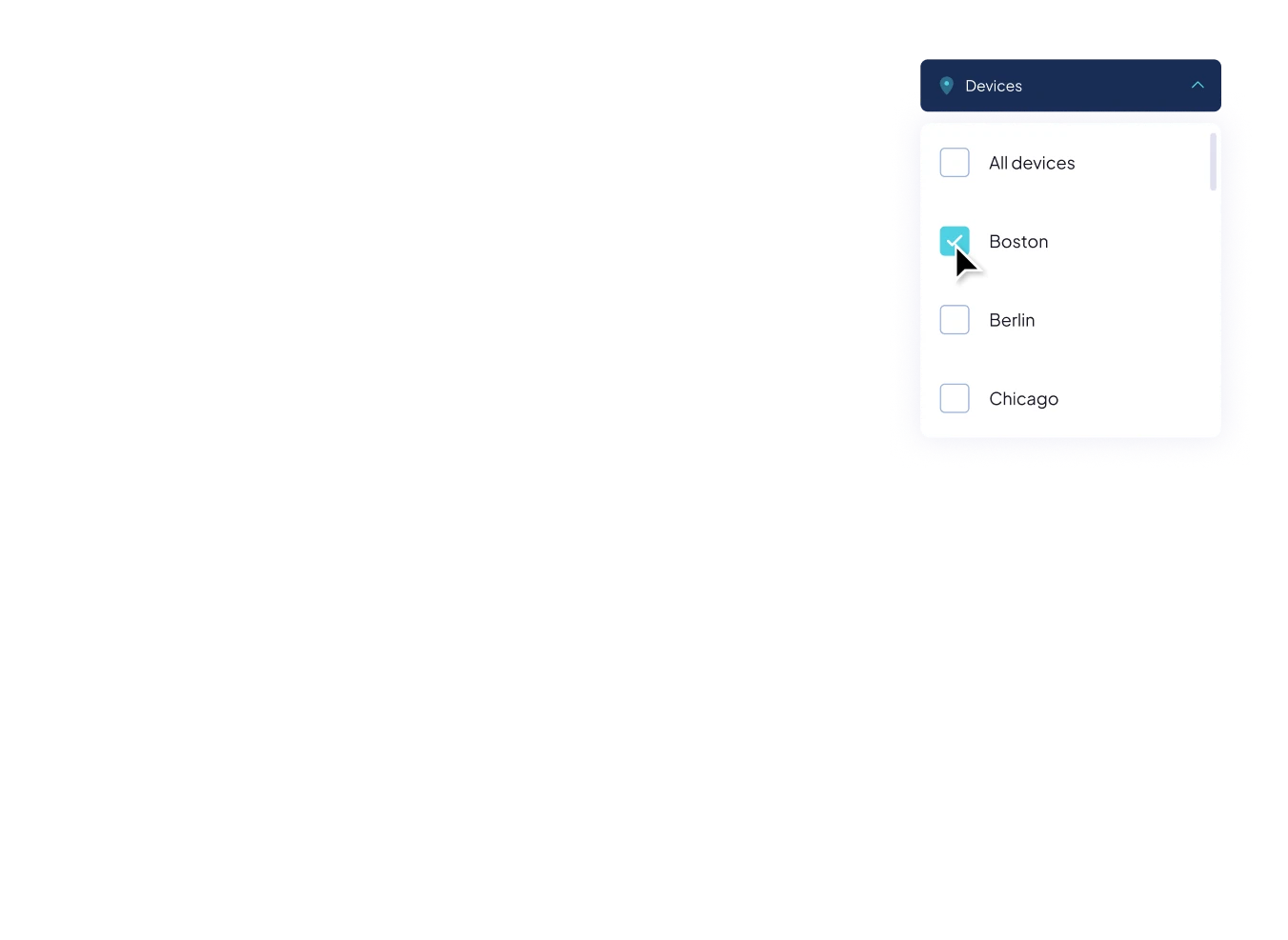
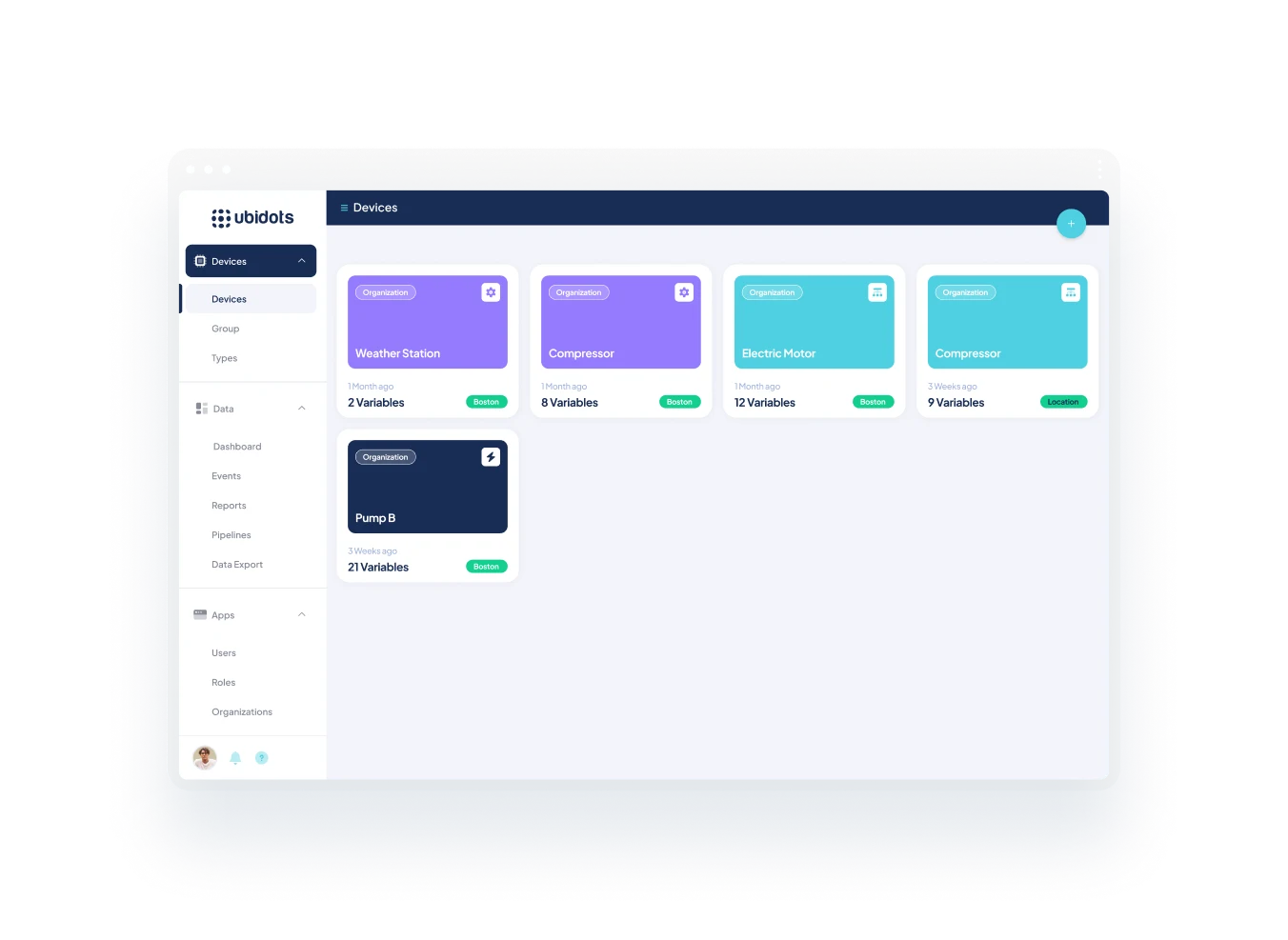
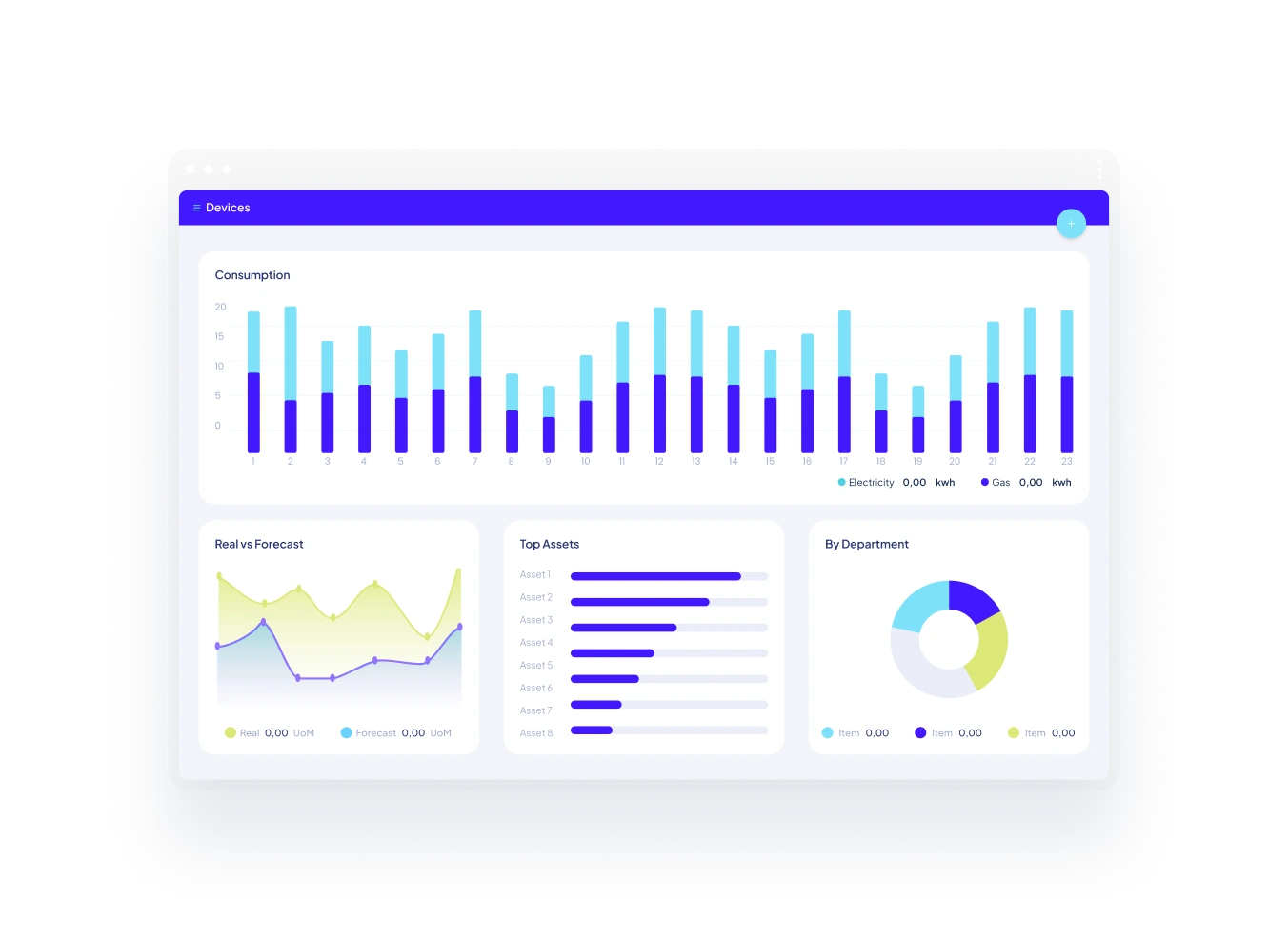
With real-time dashboards and intelligent automation, Ubidots helps you move faster, operate smarter, and scale with ease—saving time, reducing costs, and staying ahead of issues.



Help & Support

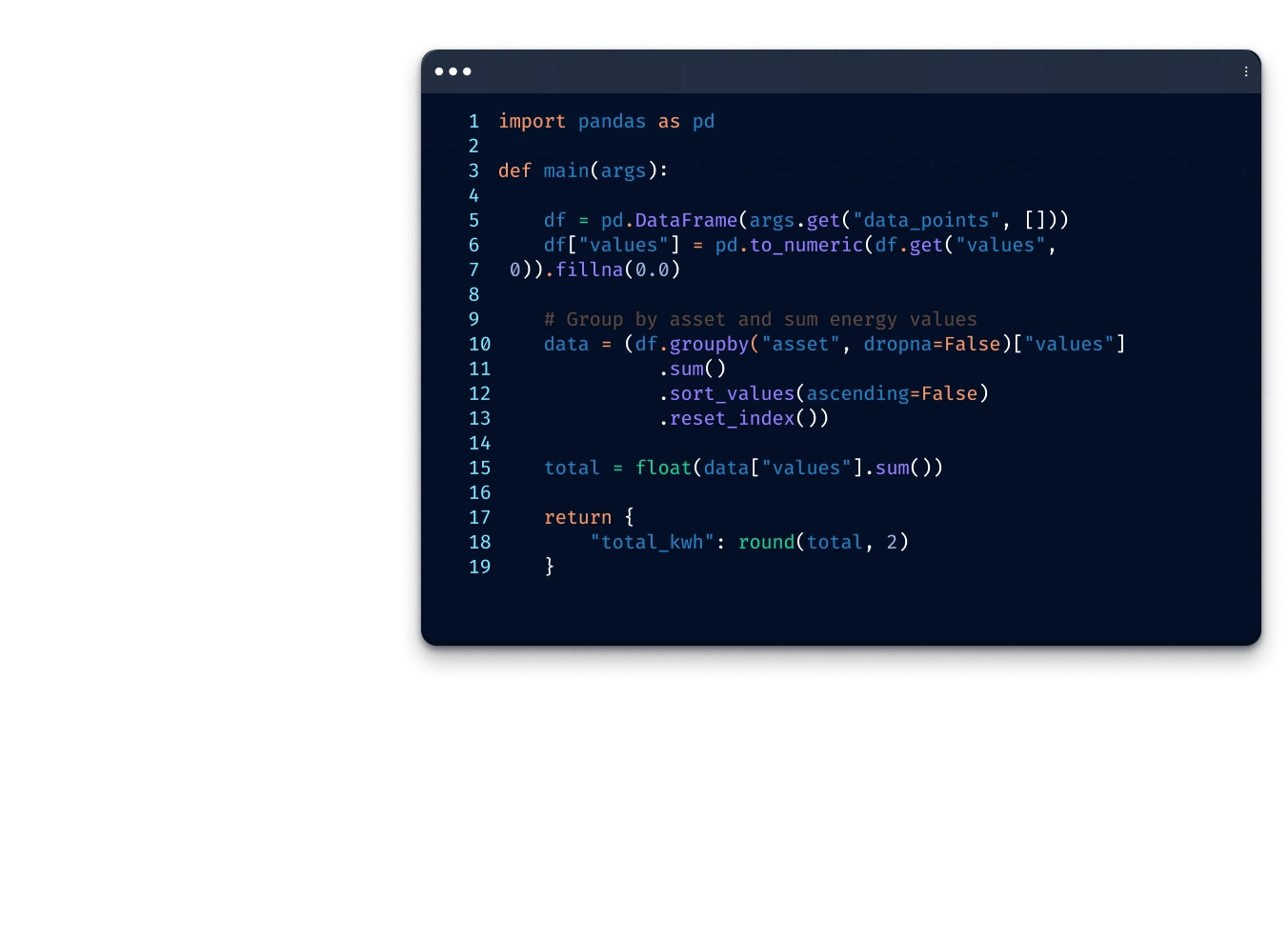
UbiFunctions is Ubidots' serverless code execution environment that lets you run custom Python or JavaScript logic directly inside your IoT application — no servers or infrastructure required. Use it to process sensor data, call external APIs, send alerts, or automate workflows triggered by device events, schedules, or webhooks.
UbiFunctions supports three trigger types: device variable updates (fires when a sensor value changes or crosses a threshold), time-based schedules (cron expressions for periodic tasks like daily reports or data aggregation), and inbound webhooks (HTTP endpoints that accept data from external services or third-party platforms).
No. UbiFunctions is fully serverless — Ubidots manages all runtime infrastructure, scaling, and dependency resolution. You write code in the built-in browser editor, configure your trigger, and deploy in seconds. Functions scale automatically with your data volume, from a single device to thousands, with no CI/CD pipeline or DevOps work required.
Yes. UbiFunctions includes native Ubidots API access, so your code can read device variables, write computed values, query historical data, and create events — all without external API credentials. You can also store API keys and secrets as environment variables to securely call external services like notification platforms or custom REST APIs.
Data aggregation in Ubidots lets you combine, compare, and visualize data from multiple IoT devices in a single dashboard. Instead of checking each device individually, you can apply calculations like averages and rollups across a group of devices, spot trends, detect anomalies, and monitor fleet-level operations in real time — all without writing custom code.
You can group up to twelve devices in a single multi-device dashboard view. Each dashboard updates dynamically as new data arrives, and you can use any of Ubidots' 20+ widget types — including charts, tables, metrics, and maps — to represent and compare device data side by side in real time.
Ubidots lets you filter, group, and calculate across device variables — applying operations such as averages, sums, and statistical rollups to fleet-level data. Combined with Synthetic Variables, you can define custom math expressions that run in real time across multiple devices, turning raw sensor readings into meaningful, actionable metrics.
Data aggregation is widely used for energy monitoring (comparing electricity, water, and gas consumption across facilities), industrial IoT (tracking equipment or inventory levels across multiple sites), smart irrigation, and fleet-level utility management. Any operation that requires comparing or consolidating readings from multiple devices benefits from multi-device aggregation dashboards.
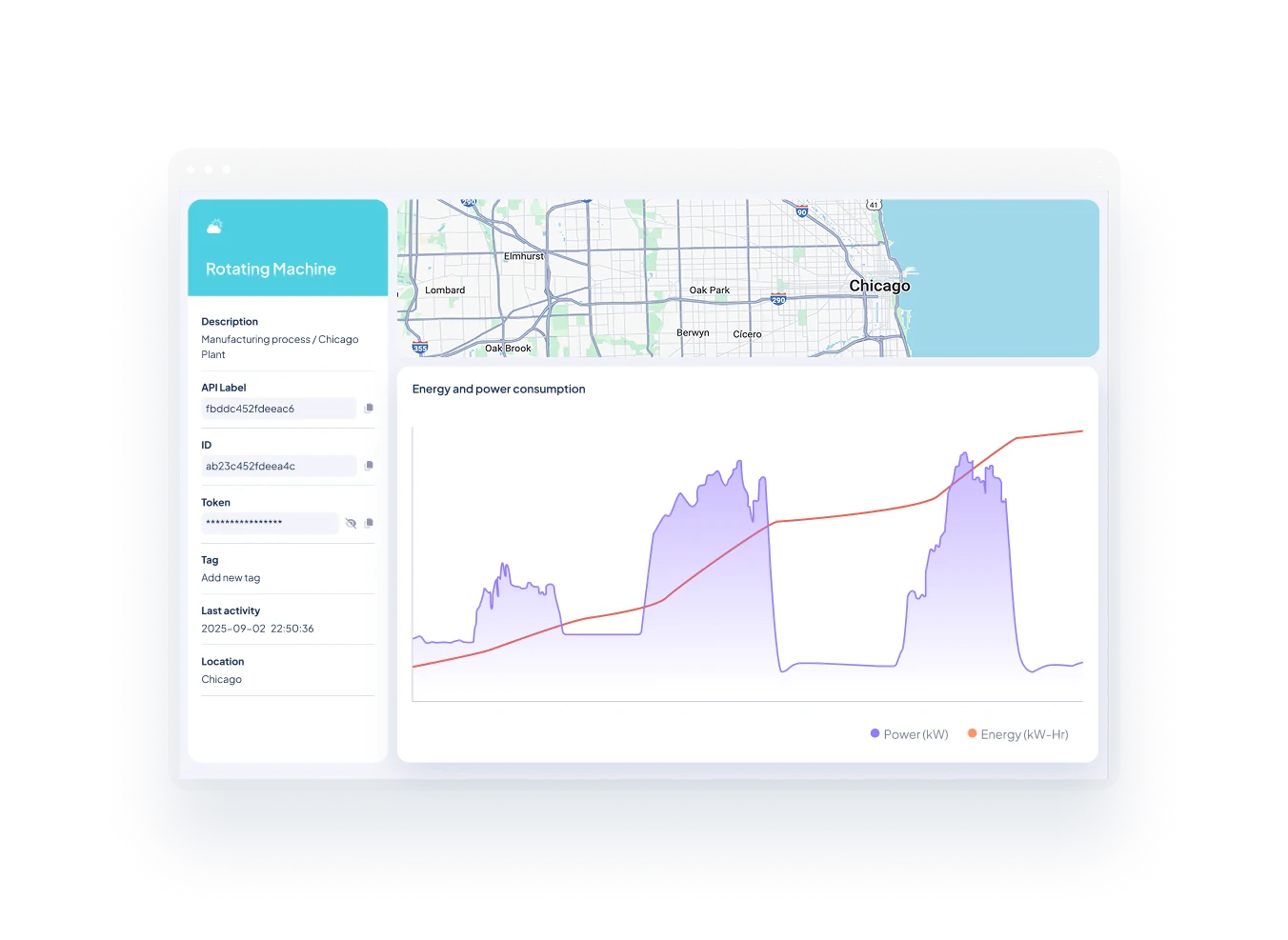
Synthetic Variables let you define calculated metrics derived from your existing device data — directly inside Ubidots, with no backend code required. Use them to compute energy consumption, convert raw sensor signals into engineering units, track equipment efficiency, or flag anomalies with conditional logic. Results are available across dashboards, alerts, and further calculations.
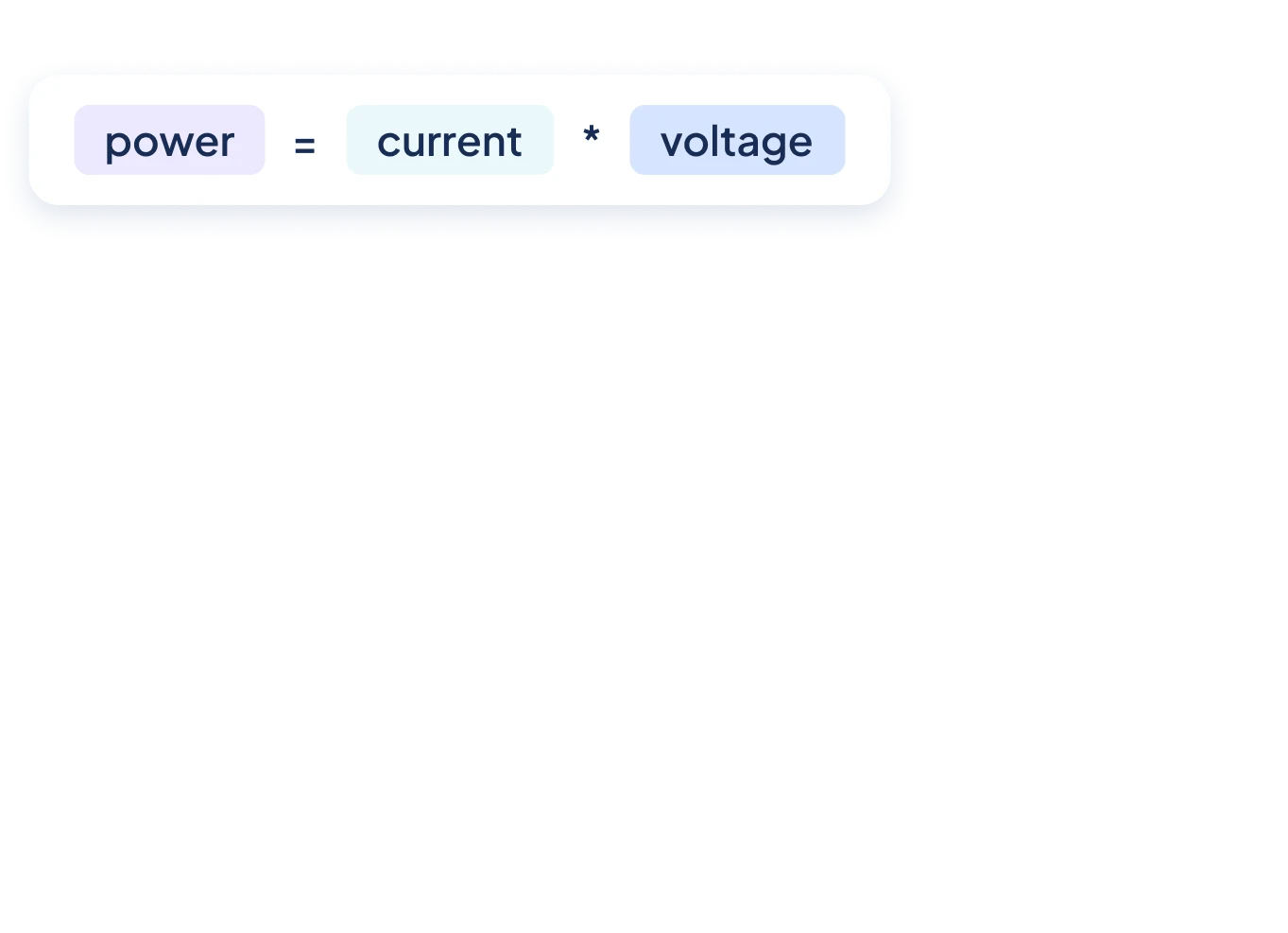
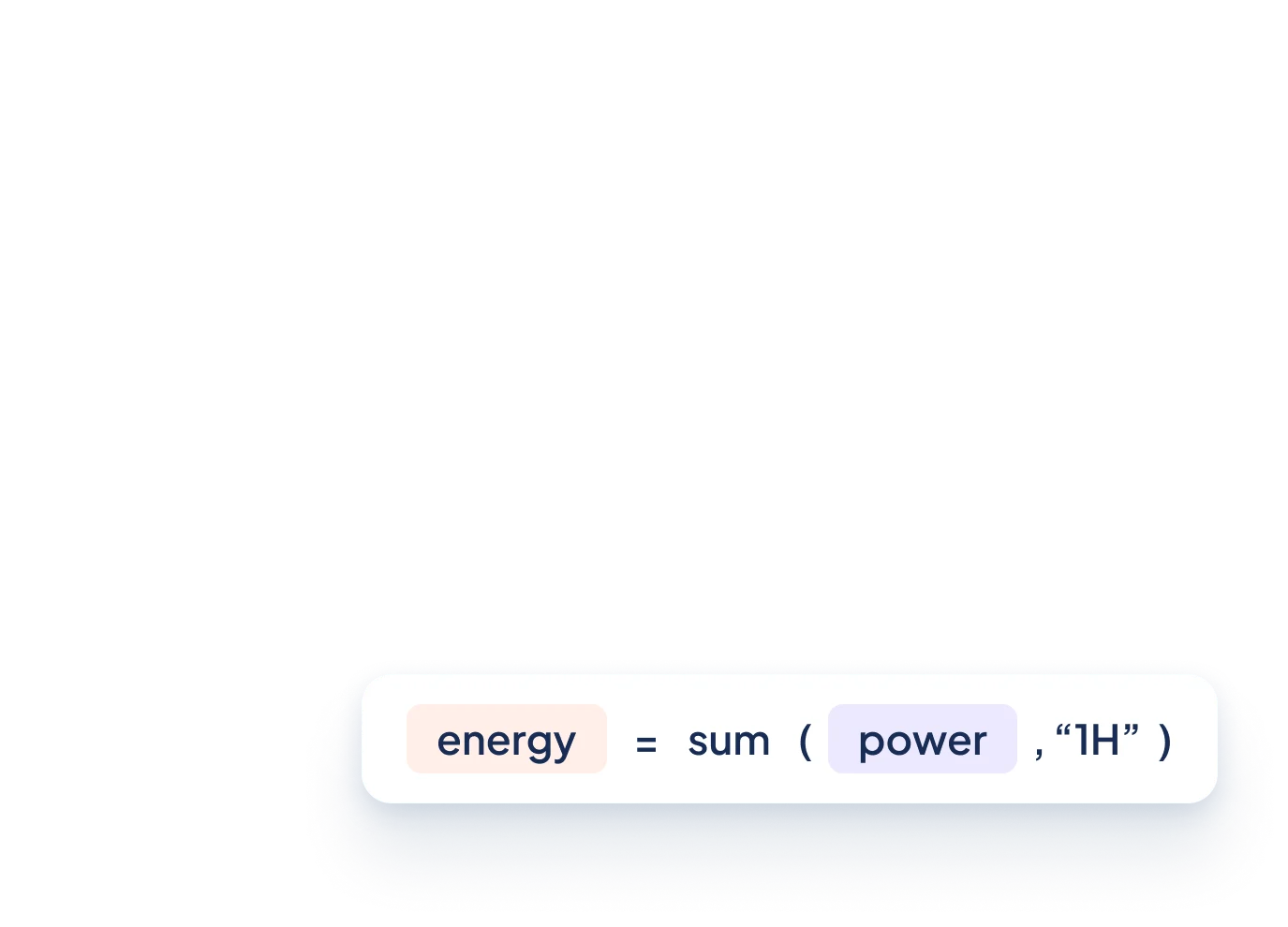
Synthetic Variables support a wide range of operations: unit conversions (raw voltage or current into engineering units), energy and consumption tracking (power × time = kWh), efficiency ratios (OEE, COP, utilization rates), rolling averages to smooth noisy sensor readings, interval aggregations, conditional classification using if/else logic, and cross-device metrics.
Both. You can configure a Synthetic Variable to compute in real time as new device data arrives, over a rolling time window (e.g., a 15-minute moving average), or on a fixed interval for periodic aggregations like hourly totals or daily summaries. The computation mode is set per variable, giving you precise control over how and when each metric updates.
Yes. Synthetic Variables are configured entirely within the Ubidots interface — no backend code, external APIs, or data pipelines required. You define your formula using an expression builder, select the input device variables, set the computation timing, and the result is immediately available as a regular variable across dashboards, alerts, and reports.
Ubidots lets you replace every default visual with your own brand: upload custom logos for the header, login screen, favicon, and loading screen; apply your color palette to navigation bars, buttons, and headers; set a custom domain so users never see Ubidots’ URL; and add your own CSS stylesheets to fine-tune fonts, shapes, and layouts across the entire application.
Yes. Ubidots supports custom domains on White Label plans, allowing you to point your IoT application to a URL that belongs to your brand. Combined with a custom email sender address and your own logos and colors, end users access the platform entirely under your company’s identity — with no visible reference to Ubidots.
Gray Label applies basic appearance changes but does not include a custom domain, custom logos, color customization, or a branded email sender. White Label provides full branding control — custom logos for every screen, your own domain, full color theming, a custom email address, and optional mobile app branding. Removing the “Powered by Ubidots” badge is available as an Enterprise add-on.
Yes, on Enterprise plans. Ubidots offers a white-labeled mobile app that carries your company’s logo, colors, and visual identity, so your clients interact with what appears to be your own native app rather than a third-party platform. Mobile app white-labeling is quoted on demand — contact the Ubidots sales team for pricing and availability.
Ubidots includes four built-in roles: Explorers (can create, edit, and delete dashboards and events, with view-only access to devices and variables), Viewers (view-only access to dashboards, devices, and variables — no create, edit, or delete), Dashboard Viewers (restricted to viewing dashboards only), and Managers (full admin capabilities except managing end-users). Custom roles can also be created.
Yes. Beyond the four built-in roles, Ubidots lets you define custom roles with any combination of create, view, edit, and delete permissions across dashboards, devices, events, and variables. Custom roles are configured per organization, giving you precise control over what each user type can see and do within your IoT application.
Ubidots multi-tenancy works at two levels. Organizations isolate devices, dashboards, events, and users within an App — suitable when clients need separate data without distinct branding. Apps provide a second layer: each App is an independent IoT portal with its own white-label branding, login portal, and feature configuration. A single Ubidots account can host multiple Apps, letting you deliver a fully branded, isolated experience to each client.
Yes. Each organization in Ubidots is fully isolated — it has its own devices, dashboards, events, and users. Clients assigned to separate organizations see only their own data and cannot access other organizations’ resources. Combined with white-labeling, you can serve multiple clients from one account while each experiences a fully branded, private IoT application.
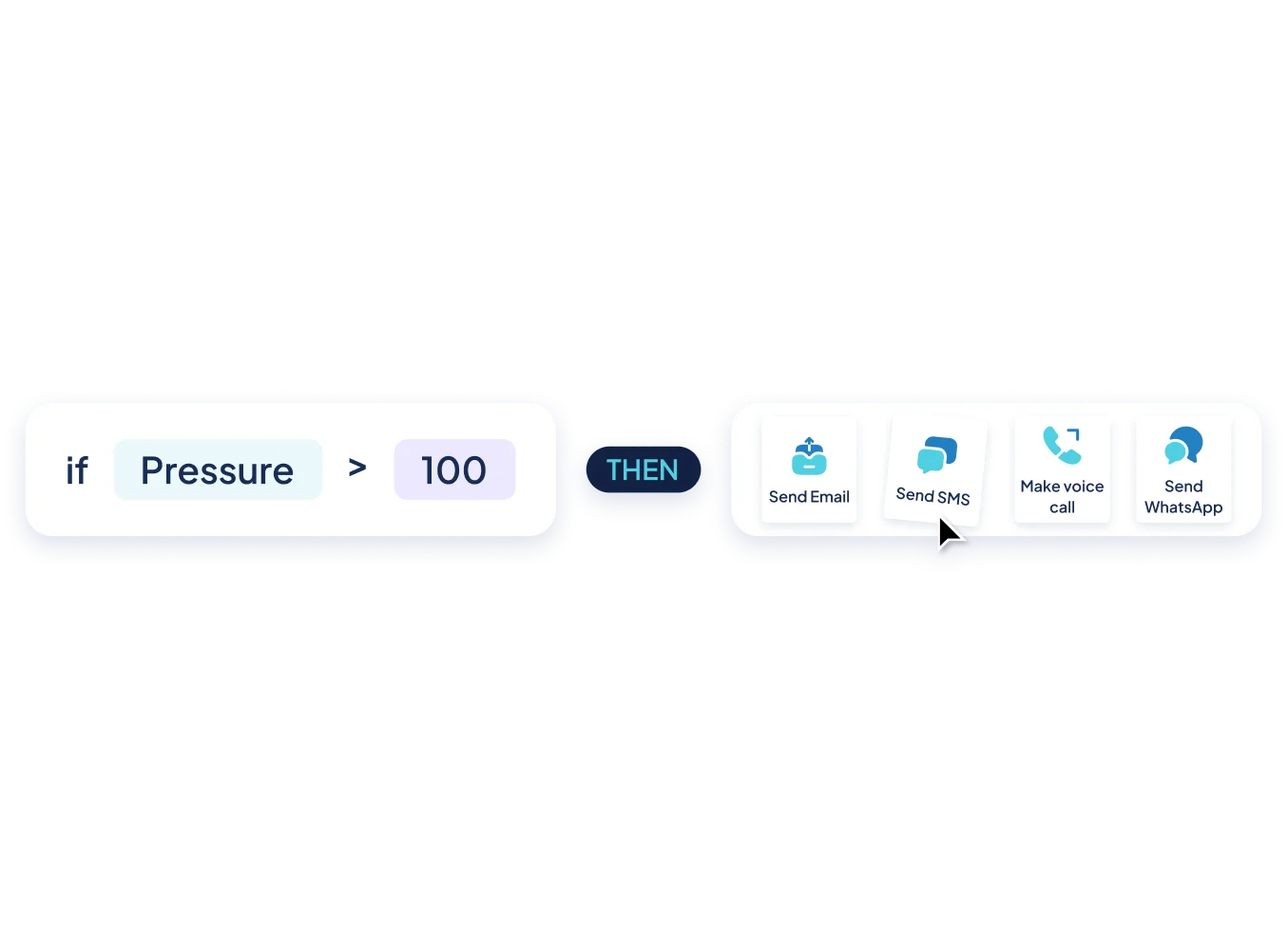
Ubidots Events support four trigger types: value-based thresholds (when a variable exceeds, drops below, or equals a limit), device inactivity (when a device stops sending data for a set period), geofence (when an asset enters or exits a defined geographic boundary), and scheduled (time-based rules on hourly, daily, or custom cron intervals). Multiple conditions can be combined using AND/OR logic for precision.
Beyond sending alerts, Ubidots Events can take direct control actions. Notification options include email, SMS, voice call, Slack, and webhook. On the control side, events can set a device variable to a specific value or trigger a UbiFunction to run custom serverless logic — enabling fully automated responses to your IoT data without manual intervention.
A Global Event applies a single rule across your entire device fleet using a shared variable label — instead of configuring alerts device by device. This makes it ideal for large deployments where the same condition needs monitoring across hundreds of devices at once. Global Events are available on Industrial and Enterprise plans.
Yes. Active windows let you define the time periods during which an event is allowed to trigger — useful for suppressing alerts outside business hours. By default, an event requires conditions to reset before it can fire again. Enabling the repeat action overrides this, keeping the event firing continuously for as long as conditions persist.
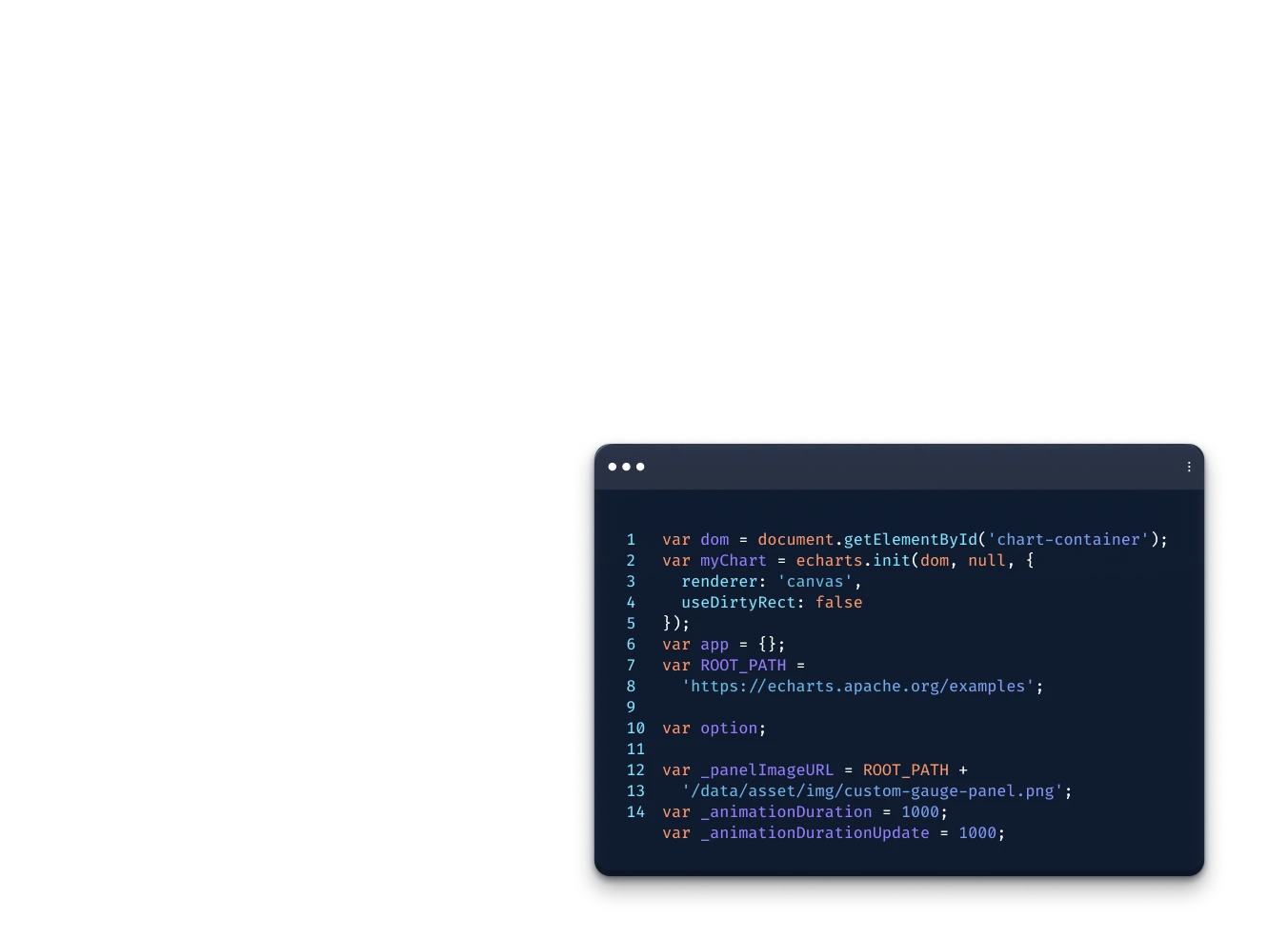
HTML Canvas is Ubidots’ developer-friendly widget that lets you write custom HTML, CSS, and JavaScript directly inside a dashboard. It’s designed for cases where standard widgets don’t meet specific functional or aesthetic requirements — letting you build custom charts, gauges, tables, animations, or any visualization your project demands, rendered live alongside your other widgets.
HTML Canvas supports standard HTML, CSS, and JavaScript — including React. You can also import CDN-hosted third-party libraries such as charting frameworks and UI toolkits directly in the widget’s settings. There is no proprietary syntax to learn; if it runs in a browser, it works inside HTML Canvas.
HTML Canvas provides built-in methods that give your code direct access to device variables and their values from within the widget editor. You can also enable the “Preload Dashboard data” option to make all dashboard variables available the moment the widget loads, eliminating the need for separate API calls or external data fetching logic.
Use HTML Canvas when a standard Ubidots widget can’t match your exact requirements — whether that’s a custom chart type, a branded display with specific styling, an interactive UI element, or a visualization that depends on logic not available in native widgets. It’s the right choice whenever the built-in library covers the data but not the presentation.
Ubidots uses a two-tier smart storage architecture. Recent data stays in a high-performance hot database optimized for real-time dashboards and fast queries. As data ages, it is automatically archived to cold storage on AWS S3 in Parquet format — organized per variable, with no infrastructure management required. A unified query layer lets you access both tiers from a single interface, with no manual migration.
Long-term retention supports up to 500 GB of cold storage — approximately 32 billion data points, covering around ten years of IoT data depending on ingestion frequency. Archived data is stored in Parquet columnar files (~2.5 million data points per 40 MB file), organized per device and variable. Up to 10,000 variables can be archived monthly, with a quota of 50,000 queries per month.
Yes. Ubidots provides a built-in data navigator that lets you browse and visualize archived data directly from the dashboard — no SQL or external tools required. Historical data can also be accessed via REST API or downloaded as Parquet files per variable. Note that data older than two years may experience slightly slower query performance due to the cold storage tier.
No. Long-term retention (Extended Storage) is available as a paid add-on for Enterprise plan holders only. It is not included in Professional or Industrial plans. The add-on provides up to 500 GB of cold storage, a 50,000 monthly query quota, and up to 10,000 variables archived per month. Contact the Ubidots sales team for pricing and availability.
No. Ubidots offers a progression from simple to advanced. You can start with threshold-based alerts and usage counters built on synthetic variables — no coding required. As your data matures, you can layer in moving average anomaly detection and eventually deploy Python ML models via UbiFunctions, all within the same platform and without a dedicated data science team.
Ubidots supports four approaches: usage-based maintenance (tracking runtime via synthetic variables), vibration monitoring (time-domain RMS and frequency-domain FFT analysis), moving average anomaly detection (flagging deviations from normal operating patterns), and ML model deployment (running Python classification or regression models via UbiFunctions to predict failures or estimate time-to-failure).
Models are deployed as Python scripts via UbiFunctions, Ubidots’ serverless execution environment. The typical workflow: retrieve the latest sensor values, preprocess data and engineer features like rolling averages, load your trained model, generate a prediction, and write the result back to a Ubidots variable — where it can trigger automated alerts or be visualized on a dashboard.
The most useful variables are runtime status (ON/OFF), cycle counts, vibration RMS or peak values, temperature, and energy consumption. Environmental context like humidity or air quality adds further predictive signal. The key is to start logging immediately — including normal and failure-condition data — since labeled failure events are what make ML models accurate over time.
Device Types are reusable templates that standardize how devices are configured when they join your Ubidots account. Each type defines the variables to create (names, units, ranges, and scaling), custom device properties (text, numbers, dates, booleans, JSON), visual appearance (icon and color), and optional tasks such as automatic dashboard generation, event setup, and device group assignment.
Yes. The Tasks step in a Device Type lets you attach automation that runs the moment a new device is created: generate a dashboard from a template pre-wired to the device’s variables, create events or alerts, and assign the device to a group — all without any manual steps. This makes it possible to onboard hundreds of devices to a fully operational state in minutes.
Without Device Types, every new device requires manual setup — creating variables, setting properties, and configuring its appearance one by one. Device Types eliminate that repetition: define your blueprint once, and Ubidots applies the same consistent configuration to every new device automatically. This reduces onboarding time from days to minutes and ensures every device in your fleet is set up identically.
Groups and Tags serve different purposes. Device Groups couple devices together for bulk operations — such as assigning an entire fleet to an organization or triggering a global event across all grouped devices. Tags are flexible labels you can apply to any resource (devices, dashboards, events, reports) for filtering, search, and access control. Groups act on devices; tags organize everything.
Device Groups let you act on many devices at once: add or move an entire group into an organization, trigger a Global Event that monitors all devices in the group simultaneously, or reassign devices between organizational units in a single action. This eliminates the need to configure each device individually as your fleet grows.
You can apply up to 20 tags per resource. Tags work across all resource types — devices, dashboards, events, and reports — letting you apply consistent labels throughout your account. Tagged resources can be filtered instantly in the Ubidots interface or retrieved programmatically via the API, making it easy to manage large fleets organized by location, type, or customer.
Yes. Ubidots supports tag-based access segmentation: assign tags to users and apply matching tags to resources, and each user will only see the devices, dashboards, and events that share their tags. This makes tags a practical tool for multi-tenant deployments where different clients or teams should have visibility into only their own resources.
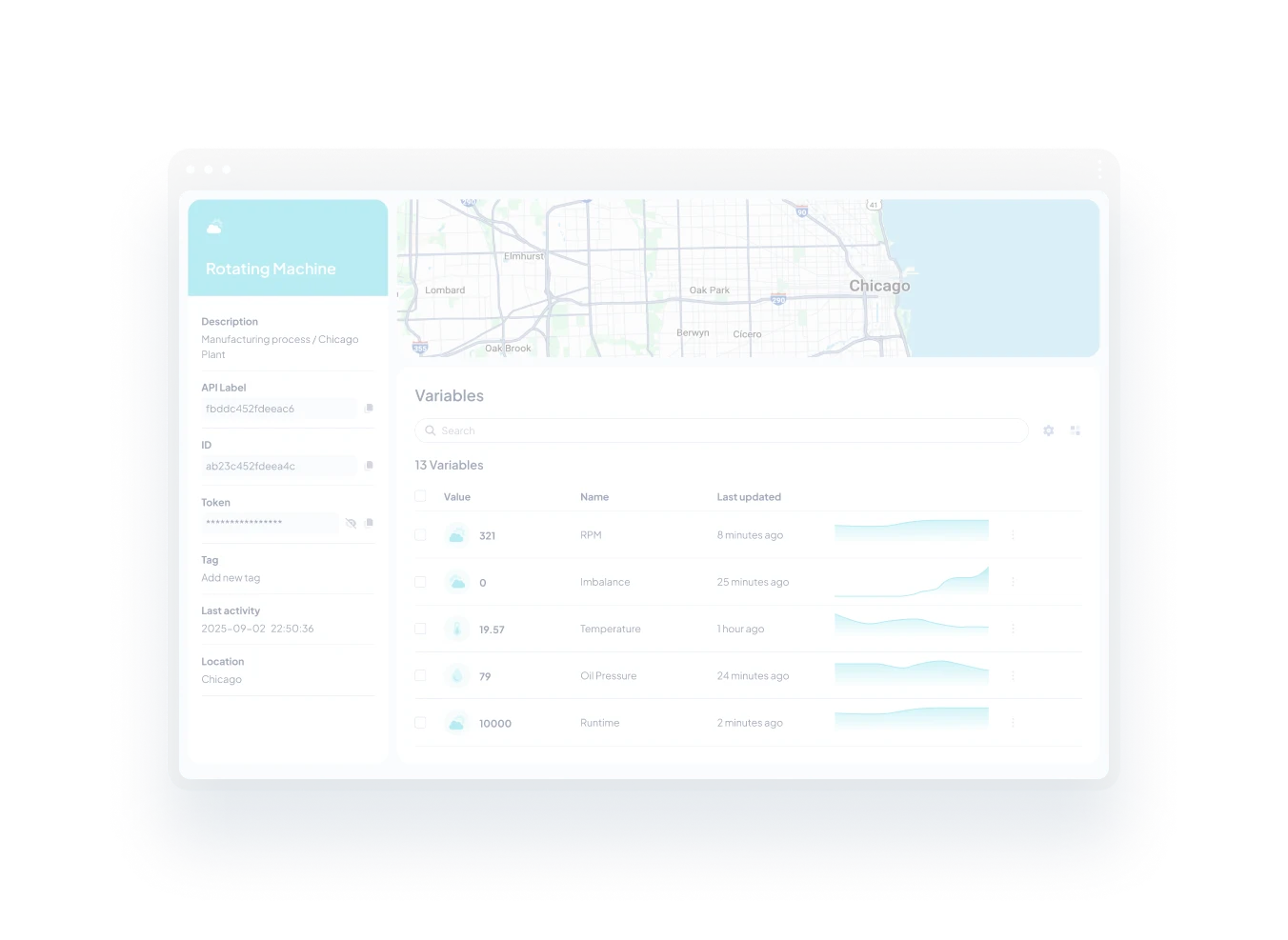
Device Variables store time-series sensor readings that update frequently and retain a full history of values over time. Device Properties are static metadata — descriptive attributes like location, installation date, firmware version, or owner that rarely change and don’t require historical tracking. Properties describe what a device is; variables capture what it measures.
Ubidots supports seven property formats: text (up to 255 characters), number (float values), true/false (boolean), date, list (a predefined set of text options), JSON (a full JSON object), and device reference (a pointer to another device in your account). This flexibility lets you capture any kind of contextual metadata your operation requires.
Yes. Property values — including JSON properties — can be referenced in Ubidots Events to drive conditional logic. For example, you can use a boolean property as a condition flag or include a JSON property as the payload for a webhook or notification. This allows properties to play an active role in your automation workflows, not just as static labels.
An App is a branded IoT portal that defines the visual experience, domain, language, and features end users see when they log in. An Organization is a container inside an App holding devices, dashboards, events, and users. Use multiple Organizations for separate clients sharing the same interface; create a new App only when clients need a distinct white-label branding experience.
Create a separate Organization for each client within a single App. Each organization is isolated — its devices, dashboards, events, and users are invisible to other organizations. Assign each client’s users to their organization with the appropriate role. If clients need distinct branded portals (custom domain, logo, colors), create a separate App per brand.
Yes. A single user account in Ubidots can be granted access to one or multiple organizations within the same App. This is useful for administrators or technicians who need visibility across several client sites or departments simultaneously. Each organization can have a different role assigned to the same user, giving you per-organization permission control.
User permissions in Ubidots are controlled through Roles, which define what a user can create, view, edit, or delete within the organizations they belong to. Ubidots includes four built-in roles (Explorer, Viewer, Dashboard Viewer, and Manager), and you can create custom roles with any combination of permissions to match your exact access control requirements.
Yes. UbiFunctions can make outbound HTTP requests to any external API from within your function code, allowing you to pull data from third-party services into Ubidots or push Ubidots data to external platforms. Common integrations include notification services, cloud databases, ERP systems, and custom HTTP gateways that accept specialized data formats from IoT devices.
UbiFunctions are commonly used for custom payload decoding (transforming raw device data into meaningful values), third-party API integration (pulling or pushing data on demand), real-time data enrichment and analytics, and building custom HTTP ingestion gateways for non-standard data formats. Any logic that would otherwise require a dedicated backend server is a candidate for a UbiFunction.
Yes. The UbiFunctions editor includes a built-in AI coding assistant trained on the Ubidots platform. It helps you write, debug, and improve Python or Node.js code directly in the browser — reducing the time from idea to deployed function, and lowering the barrier for teams without dedicated backend engineering experience.
UbiFunctions is available on Industrial plans and above. Each account includes 1,000 executions per month as a base allocation, with additional executions billed at $5 per million. Functions running longer than 2 seconds count as multiple executions, billed in 2-second increments — so optimizing function runtime helps control costs at higher volumes.
The key difference is canvas size. An HTML Canvas widget is constrained to its container within the dashboard grid. A Page occupies the full width and height of the dashboard, giving you the same visual real estate as a complete website — including vertical scrolling. Use HTML Canvas for embedded chart components; use Pages when you need to build a full, purpose-built interface.
Yes. Ubidots Pages support external URL embedding — paste any URL (a third-party app, video stream, BI tool, or business platform) directly into the page settings, and it renders full-screen within your dashboard. No coding is required for this method, making it an easy way to consolidate external tools alongside your IoT data in a single view.
Yes. Pages maintain full interactivity with native Ubidots dashboard controls — including the date/time picker, device selector for dynamic dashboards, and the real-time refresh button. This means your custom-built interfaces stay in sync with the same context controls used by standard widgets, without any additional integration work.
Pages are available on Enterprise plans only. The maximum upload size for a custom page (packaged as a ZIP containing HTML, CSS, JS, and assets) is 5 MB. Ubidots handles hosting and URL generation automatically — no external infrastructure required. To get access, contact the Ubidots sales team at sales@ubidots.com for pricing and availability.
Ubidots supports three plugin types: Cron (executes logic on a schedule, ideal for pulling external API data periodically), Webhook (triggered by HTTP requests, useful for decoding custom payloads like LoRaWAN uplinks), and Widget (builds custom visualization components using any JavaScript charting library, made available in your account as if they were native Ubidots widgets).
Yes. Cron plugins are designed exactly for this — they execute on a user-defined schedule and can call any external API to retrieve data, transform it, and insert it into Ubidots device variables. Pre-built plugins for services like OpenWeather are also available and can be installed in seconds without writing any code.
Yes. Widget plugins let you develop custom visualization components using any JavaScript charting library — such as Highcharts, D3, or ECharts — and make them available in your account as if they were native Ubidots widgets. They can read device variables and integrate with the same dashboard controls as standard widgets.
No. Plugins run on Ubidots’ built-in serverless execution engine — the same engine that powers UbiFunctions — so there are no servers to provision, scale, or maintain. Pre-built plugins can be installed and running in seconds, and custom plugins deploy directly from within the platform without any external infrastructure.
App Builder lets you customize every visible aspect of your Ubidots application: upload logos for the header, login screen, loader, and browser tab; generate a coordinated color palette from three base colors; set a custom domain; personalize the login page; and apply app-wide CSS for pixel-perfect control. You can also show or hide platform features per app to tailor the experience for each user group.
Yes. Ubidots supports multi-app deployment — you can create multiple distinct apps from a single license, each with its own branding, custom domain, color scheme, and user base. This makes it straightforward to serve several clients with fully isolated, independently branded IoT experiences without needing separate Ubidots accounts for each.
You select three base colors — typically for the primary navigation, secondary navigation, and primary button — and the palette tool automatically generates a coordinated color scheme applied across all UI components: headers, buttons, sidebars, and navigation bars. A live preview lets you see the result before saving, so you can fine-tune your brand appearance without manually styling each element.
Yes. App Builder includes feature visibility controls that let you show or hide specific Ubidots platform functions on a per-app basis. Combined with role-based permissions, this means you can deliver a focused, simplified experience to end users — showing only the dashboards, devices, and capabilities relevant to them — while keeping administrative tools out of sight.
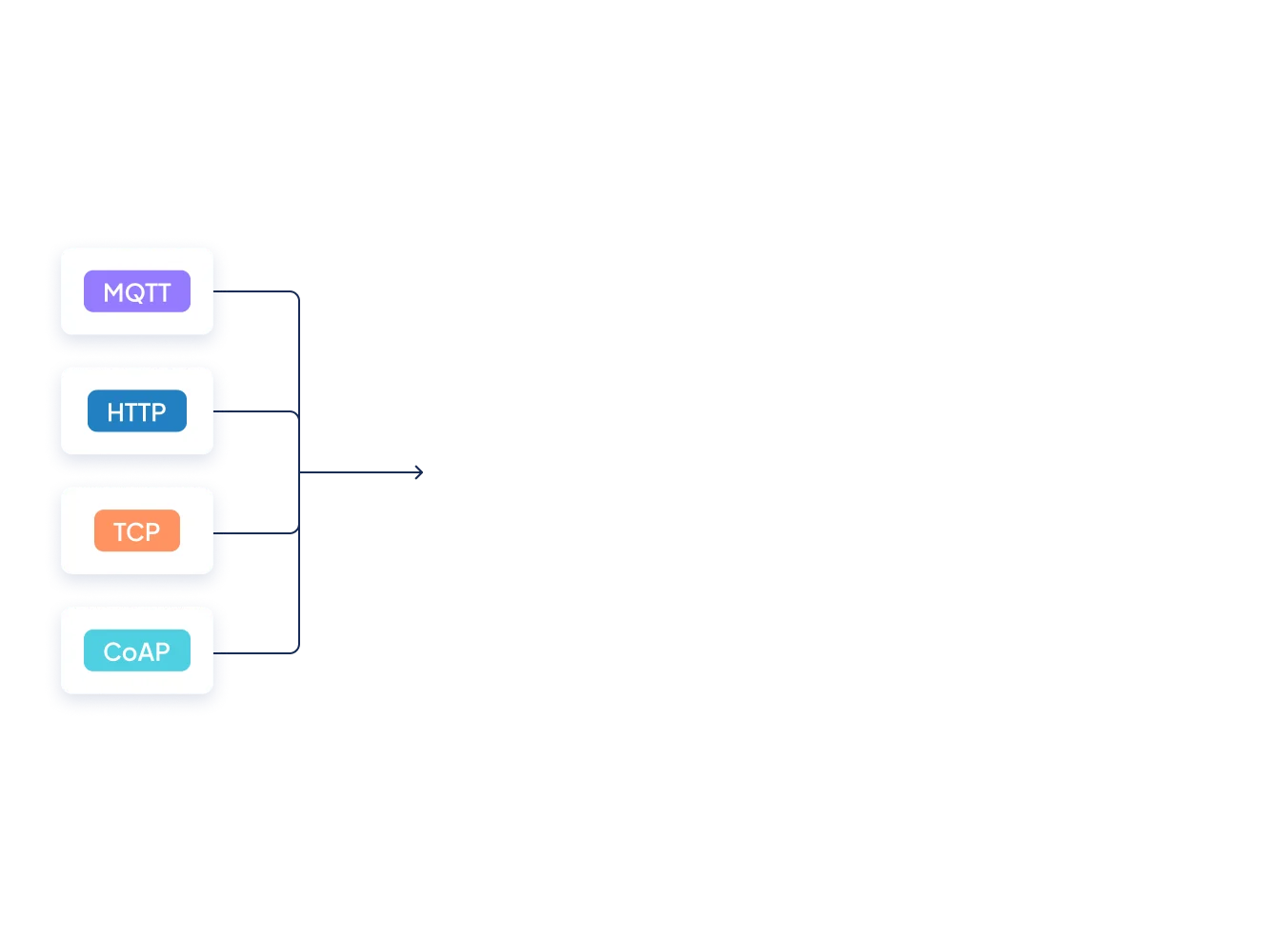
Ubidots supports four protocols: HTTP (REST API with JSON payloads and token authentication), MQTT (lightweight pub/sub messaging with QoS support), TCP (raw connections for low-overhead communication), and UDP (connectionless for high-frequency data). For hardware using proprietary formats, you can also build a custom ingestion gateway that translates payloads before they reach Ubidots.
HTTP uses a request-response model where each device sends a POST with a JSON payload — straightforward but with higher per-message overhead. MQTT uses a persistent publish/subscribe model, better suited for constrained devices with limited bandwidth or battery life. Both write to the same Ubidots data model, and MQTT additionally supports cloud-to-device messaging via subscriptions.
Yes. Ubidots supports cloud-to-device communication via MQTT subscriptions. Devices that maintain an active MQTT connection can subscribe to topics and receive commands, configuration changes, or variable updates pushed from Ubidots in real time. This makes MQTT the preferred protocol for bidirectional device communication in Ubidots deployments.
Yes. Every Ubidots data point supports a value, an optional timestamp, and key-value context metadata — including GPS coordinates. If a device omits a timestamp, Ubidots automatically assigns a server-side timestamp to keep data properly ordered. This makes it easy to build location-aware or time-critical IoT applications without additional preprocessing.
Every time a device updates a sensor variable, one data point or "dot" is created. For example, if you have a weather station with 4 sensor variables being updated every 10 minutes (i.e., temperature, humidity, pressure, and rain), then your device will generate 4 dots x 6 times/hour x 24 hours x 30 days = 17,280 dots per month, which fits perfectly into most plans.
Yes! This is a virtual limit in our system. Devices with more than 20 variables are counted as more than one device. For example, if you have a single weather station sending data to 35 variables, then it would be counted as 2 devices.
If you have any paid license, you might create as many Syntethic Variables as needed. Just keep in mind that once you exceed the 20 variables, the device count might be increased based on our 1 device = 20 variable, as well as the dots count.
No, we are a 100% software company and our magic starts once your data reaches Ubidots. Hardware selection, firmware development, installation, and maintenance are typically the scope of our own users. You may find some inspiration in our integrations docs.
No worries! Your device can talk to Ubidots as long as it has Internet access, and speaks HTTP, MQTT or TCP/UDP protocols. Check out our Data Ingestion API docs to learn more.Our integration guides are just a way to help potential users understand how to send data to Ubidots and should not be taken as an official integration. These guides are provided AS-IS; as a software company we can’t provide hardware support should any of our guides fail to run on your devices.
For general questions and troubleshooting around our Data API, please visit our community forum, or send a note to support@ubidots.com.For custom development, please contact our enterprise team enterprise@ubidots.com.
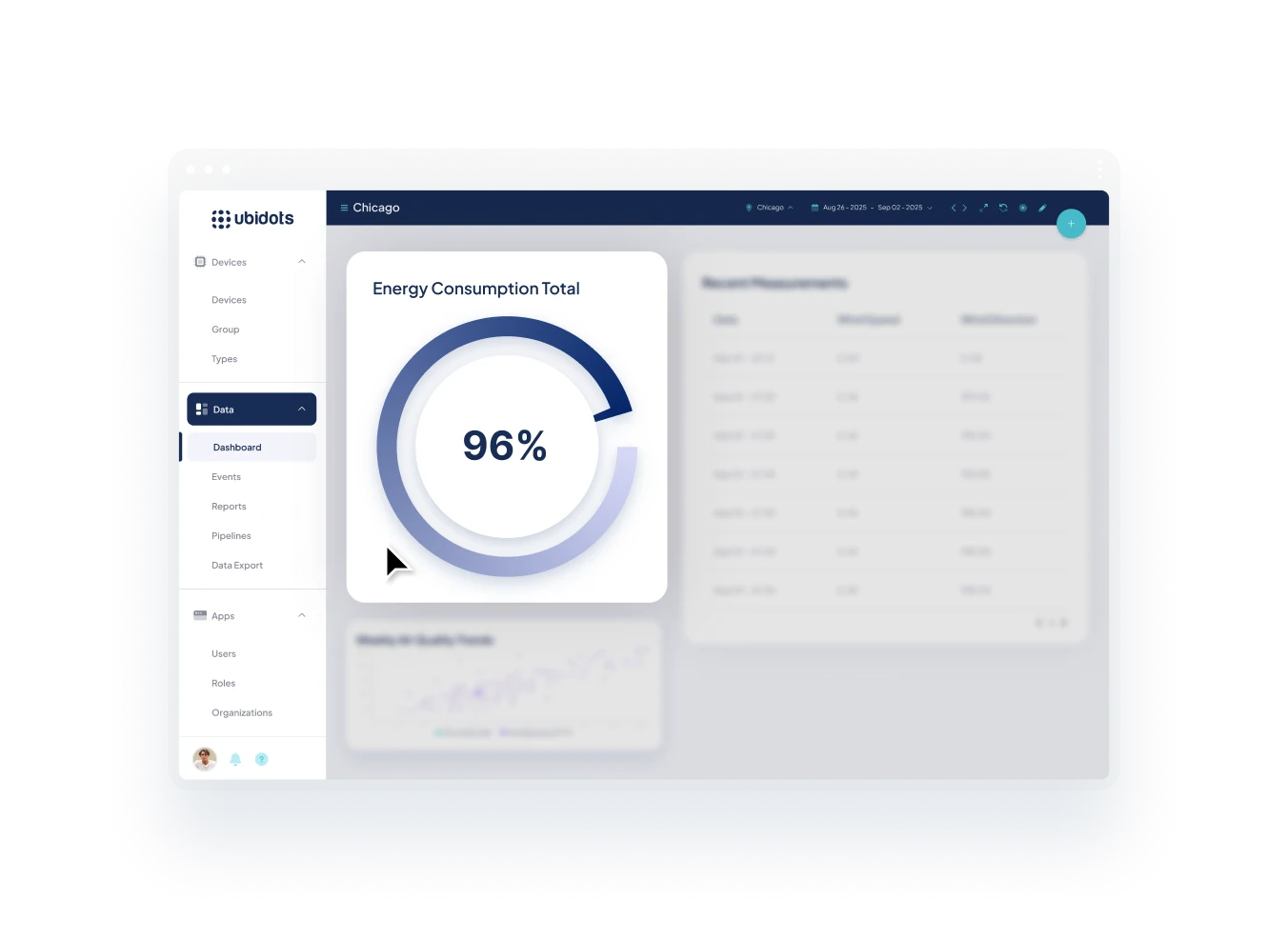
Yes. Ubidots dashboards display live sensor data as it arrives, with instant updates across all connected widgets. You can monitor multiple devices simultaneously in a single dashboard — comparing readings side by side, aggregating values across a fleet, or switching between devices dynamically using built-in device selectors and filters.
We offer +20 visualization widgets ready to use. This wide array will allow you to easily configure your own dashboards based on your IoT solution's logic.
You can also code your own widgets by using our HTML Canvas widget We can also code custom widgets for users under Enterprise licenses.
For custom development, please contact our enterprise team enterprise@ubidots.com.
Yes. We have a mobile app for owners and admin users available in Android and iOS. On the app you can easily explore your devices, quickly see the last values of each device's variable, navigate the historical data of each variable, and view your web dashboards. In the future, receiving Ubidots' Event triggers as phone notifications will be added.
Enterprise plan holders can extend the app to their end users by white-labeling it on demand. To do this, contact us at sales@ubidots.com.
You don’t have to buy multiple licenses for each prospective client. Ubidots operates under the “One-license, multiple customers” model. Using our Organizations module available from the Professional license and above, you’ll be able to create many entities containing Devices, Dashboards, Events, Tokens, and End-users. Learn more.
Yes, you can. Every license over the Industrial plan includes one App (white-labeled portal). If you want multiple white-labeled domains, you can pay it as an overage of $149/month. Check out these articles for more information about the white-label Apps and End-user management.
Ubidots self-service IoT licenses are hosted on AWS' Ohio data center (us-east-2), by default.
We can also deploy a private instance in the AWS, GCP, IBM, or Azure data center of your choice, under an Enterprise license. Fill out this form to request a custom quote under an Enterprise plan.
Additionally, Ubidots has an Australian deployment hosted in AWS. This is offered and supported by an Ubidots authorized distributor, invoiced locally in AUD. Reach out to sales@ubidots.com to request more information.
Yes, under an Enterprise license you can request a private cloud managed deployment in the AWS, GPC, IBM, or Azure data center of your choice, and preferred location. Private clouds are quoted on demand on top of an Enterprise license.
For a private cloud quote development, please contact our enterprise team enterprise@ubidots.com.
No, as a Cloud-based product, you can’t install it on a local server. Private deployments only work on a cloud level as dedicated Ubidots deployment, managed by our DevOps team, in the AWS data center of your choice.
Our default uptime policy is “best effort”. You can check our historical uptime in our status page.
We offer 99.5% or 99.9% SLAs for our Enterprise clients.
Ubidots bills within the first 3 days of the month for services rendered in the previous month. For example, on June 1st a user would be billed for services rendered between May 1st and May 31st.
Ubidots sends invoices and executes billing within the first 3 days of the month. If no credit card is on file or billing is not completed within 30 days of invoicing, services are automatically suspended.
All users are emailed an invoice for services rendered in any particular month. Included within this invoice will be the Plan, Dot Count (in millions), Device Count (counted individually), SMS (counted individually), Email (counted in blocks of 1,000), Events (webhooks), Organizations (not billed), Apps (counted individually).
You can also review your day-to-day usage anytime under your account profile.
For Industrial plans and above, we offer payment via standard P.O. process, including domestic or international wire transfers to our US bank account.
Your plan will be downgraded to the new plan the same day that you downgrade your account. We will charge for the corresponding days of your previous license, and the new fee at the next renewal date. Your current subscription will remain active at its current level through the end of the billing period that you’ve already paid for.
For self-service licenses (any that you see on our pricing page) we accept credit cards and PayPal.For Industrial or Enterprise plans, we can also offer payment via wire transfer.
Yes, you can. If you'd like to permanently leave Ubidots, you can delete your account from your account profile. The ability to delete an account and its data are in accordance with the General Data Protection Regulation (GDPR). Please note that we can't recover your information after you've done this.
Self-service tiers: Best effort.
Enterprise plans: Between 2h and 24h depending on your Enterprise plan, and the type of incident.
Our default uptime policy is “best effort”. You can check our historical uptime in our status page.
We offer 99.5% or 99.9% SLAs for our Enterprise clients.
The first 3 devices are free, afterward you can use up to 10 devices in total, at $4.5 / device / month.
Ubidots provides a two-tiered approach to licensing—"Ubidots" and "Ubidots STEM".
The STEM plan is a non-commercial license that supports our mission of making IoT easier and more accessible for everyone and is used by thousands of students, researchers, and hobbyists around the world. Ubidots STEM is best applied to DIY projects and non-commercial uses.
For more information check out this article: What is the difference between Ubidots and Ubidots STEM?
Ubidots STEM is limited to non-commercial use only (personal education, IoT research, or DIY projects). We strongly recommend our first license for PoCs; contact us for a startup discount in case you’re interested in a discounted version of our entry-level Professional plan.